Elderly Care Bed Remote Holder Placement: Practical Notes For Daily Use
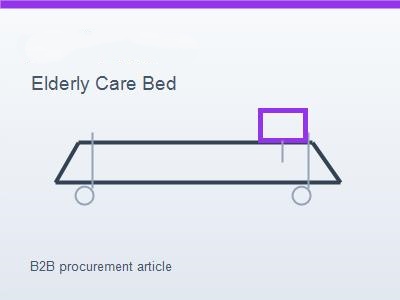
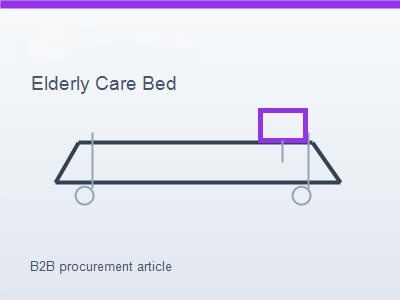
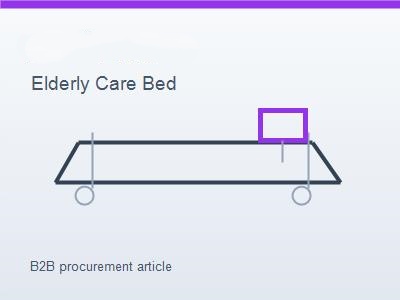
Remote holder placement looks like a small design choice, but it affects daily comfort more than many buyers expect. If the handset is hard to reach, falls to the floor, or blocks the rail, the user and caregiver quickly lose confidence in the bed setup. Dealers should review remote holder position as part of elderly care bed room planning.
Start With The User's Reach
User position
Buyer note
The holder should be reachable from the usual resting and sitting positions. A location that works for a caregiver may not work for the person using the bed.
For related product comparison, keep the elderly nursing bed reference in the same procurement file so purchasing, sales, and service teams follow one clear standard.
Caregiver routine
Buyer note
Caregivers also need access during bedding changes, transfers, and night care. The holder should not force them to reach across the user or walk around the bed unnecessarily.
Room direction
Buyer note
If the user exits from one side, the holder should support that direction. Bed orientation, rail movement, and table position all affect the best choice.
Avoid Rail And Furniture Conflicts
Rail movement
Buyer note
For related product comparison, keep the standing bed reference in the same procurement file so purchasing, sales, and service teams follow one clear standard.
The holder should not block side rail movement or release points. During sample testing, raise and lower the rail with the handset in the holder.
Bedside table
Buyer note
If a bedside table is used, check whether drawers, wheels, or table height interfere with the holder. A table that looks fine in isolation may create problems beside the bed.
Mattress systems
Buyer note
If an air system is installed, pump and hose placement should not compete with the handset position. The room should remain tidy and easy to understand.
Review Holder Strength And Replacement
Daily handling
Buyer note
For related product comparison, keep the air mattress reference in the same procurement file so purchasing, sales, and service teams follow one clear standard.
The holder may be used many times per day. It should hold the remote securely without making removal difficult. A holder that is too loose causes falls; one that is too tight frustrates users.
Cleaning
Buyer note
The shape should be easy to wipe and should not collect dirt in deep corners. Elderly care rooms benefit from simple, practical holder designs.
Spare parts
Buyer note
Dealers should know whether replacement holders are available. This is a common small part that can affect customer satisfaction.
Dealer Checklist
Practical detail
For related product comparison, keep the hospital bedside table reference in the same procurement file so purchasing, sales, and service teams follow one clear standard.
Ask which side the user exits, where the table sits, who operates the remote most often, whether an air system is used, and whether the rail can move freely with the holder installed.
Final Advice
Practical detail
Remote holder placement is a small detail that makes the bed feel easier to live with. Good dealers check it before the family has to complain about it.
Why the first week matters
Field note
Most complaints about remote placement appear in the first week. The family or facility quickly discovers whether the holder is reachable, whether it falls, and whether the cable gets in the way. Dealers should ask about this during early follow-up.
How left-side and right-side habits differ
Field note
A user may prefer one side because of strength, room layout, or caregiver routine. If the holder is fixed only on the less convenient side, the remote may be left loose on the mattress. A flexible mounting option can make the bed easier to accept.
What to check with private-label orders
Field note
If the buyer changes rail design, board style, or accessory set for a private-label order, the holder position should be checked again. A holder that worked on the standard model may conflict with a customized rail or table layout.
How dealers can document the final setup
Field note
With customer permission, take one photo after installation showing holder position, table location, and cable route. This photo helps service teams answer questions later and improves future room-planning advice.
For related product comparison, keep the contact page reference in the same procurement file so purchasing, sales, and service teams follow one clear standard.